Single Responsibility Principle (SRP) in Flutter: Writing Clean, Scalable Widgets
One of the most underrated reasons Flutter apps become hard to maintain is blurred responsibilities inside widgets. Here's how the Single Responsibility Principle — and the WidgetView Pattern — solves this.

One of the most underrated reasons Flutter apps become hard to maintain isn't performance or tooling — it's blurred responsibilities inside widgets.
That's exactly what the Single Responsibility Principle (SRP) warns us about.
SRP states: A class should have only one reason to change.
In Flutter, this principle becomes especially important when working with StatefulWidgets.
Where SRP Is Commonly Violated in Flutter
A very common SRP violation happens when UI rendering and business logic are mixed inside the same State class.
Consider a typical StatefulWidget like _LoginFormState.
In many real-world projects, this single class ends up doing too much:
- 🎨 Declaring UI widgets (
TextField,ElevatedButton) - 🔄 Managing state (
_isLoading = true) - 🔐 Executing business logic (
_model.login(email, password)) - 🧭 Handling navigation (
Navigator.pop(context))
At first, this feels convenient. But as the file grows beyond 100–150 lines, the widget becomes:
- Harder to read
- Harder to test
- Risky to modify
This is a textbook SRP violation.
See a working example of this violation here: GitHub — Flutter with SOLID Principles
Applying SRP with the WidgetView Pattern
To truly respect SRP in Flutter, we can separate responsibilities using the WidgetView Pattern.
This approach divides the widget into two focused components:
1. Controller — Business Logic & State Only
Implemented as the State class (e.g. _LoginFormController), responsible for:
class _LoginFormController extends State<LoginForm> {
  bool _isLoading = false;
  final _emailController = TextEditingController();
  final _passwordController = TextEditingController();

  Future<void> handleLogin() async {
    setState(() => _isLoading = true);
    await AuthModel().login(
      _emailController.text,
      _passwordController.text,
    );
    setState(() => _isLoading = false);
    Navigator.pop(context);
  }

  @override
  Widget build(BuildContext context) => _LoginFormView(this);
}
💡 The Controller knows nothing about layout or widgets.
2. View — Pure Declarative UI Only
Implemented as a StatelessWidget (e.g. _LoginFormView), responsible for:
class _LoginFormView extends WidgetView<LoginForm, _LoginFormController> {
  const _LoginFormView(_LoginFormController state) : super(state);

  @override
  Widget build(BuildContext context) {
    return Scaffold(
      body: Column(
        children: [
          TextField(controller: widget.emailController),
          TextField(controller: widget.passwordController),
          ElevatedButton(
            onPressed: widget.handleLogin,
            child: widget.isLoading
                ? const CircularProgressIndicator()
                : const Text('Login'),
          ),
        ],
      ),
    );
  }
}
To reduce boilerplate, an abstract helper like WidgetView can be used, making this pattern clean and scalable.
Why This Matters
This separation gives you:
✅ Better readability
✅ Easier testing
✅ Cleaner architecture
✅ Safer refactoring
✅ Scalability as the app grows
Once your widgets cross 150+ lines, this pattern becomes a lifesaver.
A Simple Analogy
Think of SRP like an assembly line:
- 🖥️ View → Presents the product
- ⚙️ Controller → Manages the mechanics and logic
Each station has one job, and because of that, the entire system runs smoothly.
Final Thought
Flutter makes it easy to mix responsibilities — but great Flutter architecture is about discipline.
Adopting SRP early keeps your codebase:
- Clean
- Predictable
- Ready for scale
If you're serious about long-term Flutter maintainability, SRP isn't optional — it's essential.
For a complete working implementation of all SOLID principles in Flutter, check out the repo: github.com/vainsh/Flutter_With_Solid_Principle
Share this article
Related Articles
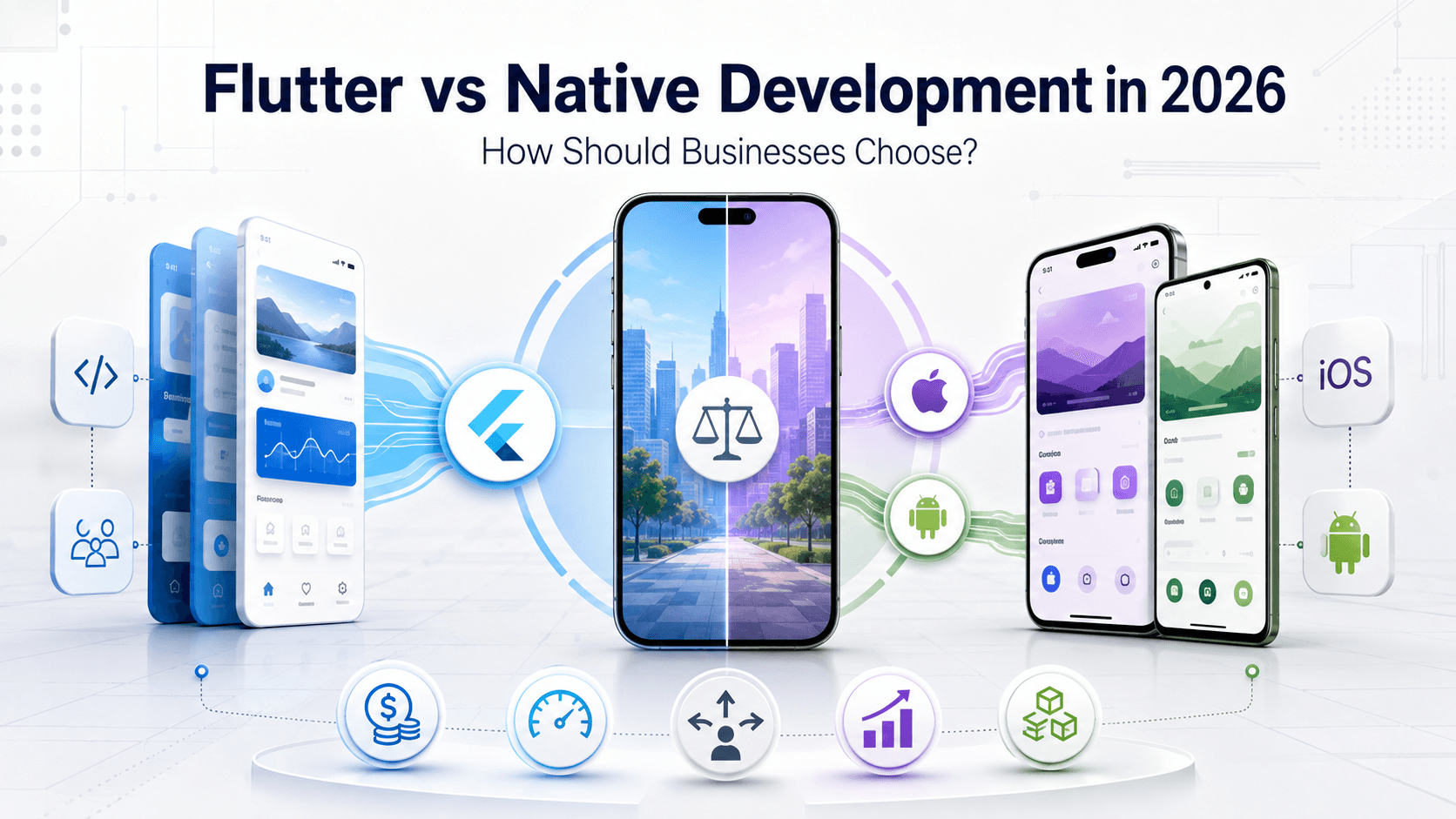
Flutter vs Native Development in 2026: How Should Businesses Choose?
A comprehensive, data-backed architectural guide comparing Flutter and Native (Swift & Kotlin) mobile development — covering cost, market share, performance, team velocity, real-world enterprise case studies, and a step-by-step decision framework.
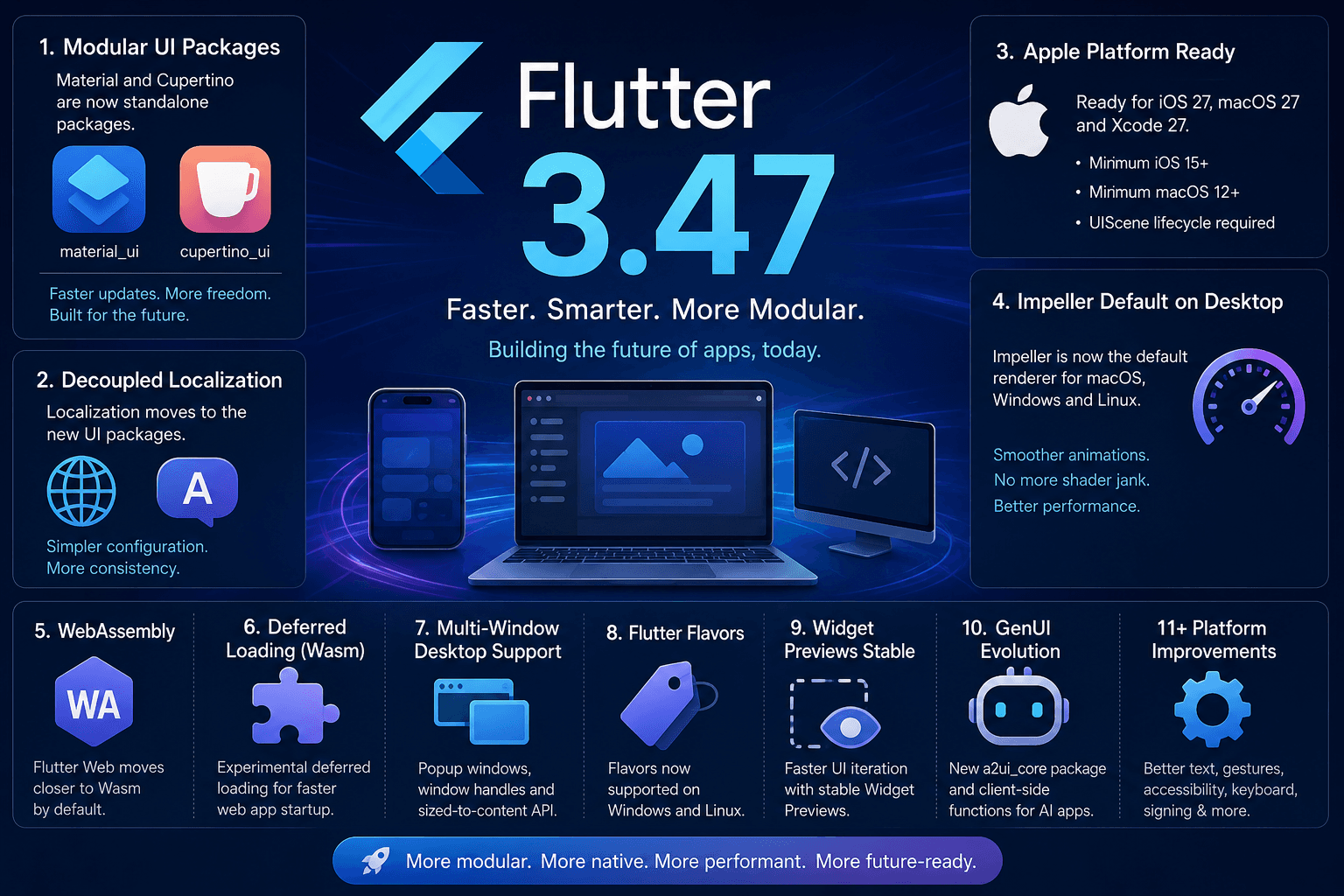
Flutter 3.47: A Major Step Toward a More Modular, Faster, and Future-Ready Framework
Flutter 3.47 introduces standalone Material and Cupertino UI packages, default Impeller renderer on desktop, mandatory UIScene for iOS 27, Wasm deferred loading, Widget Previews, and GenUI evolution.
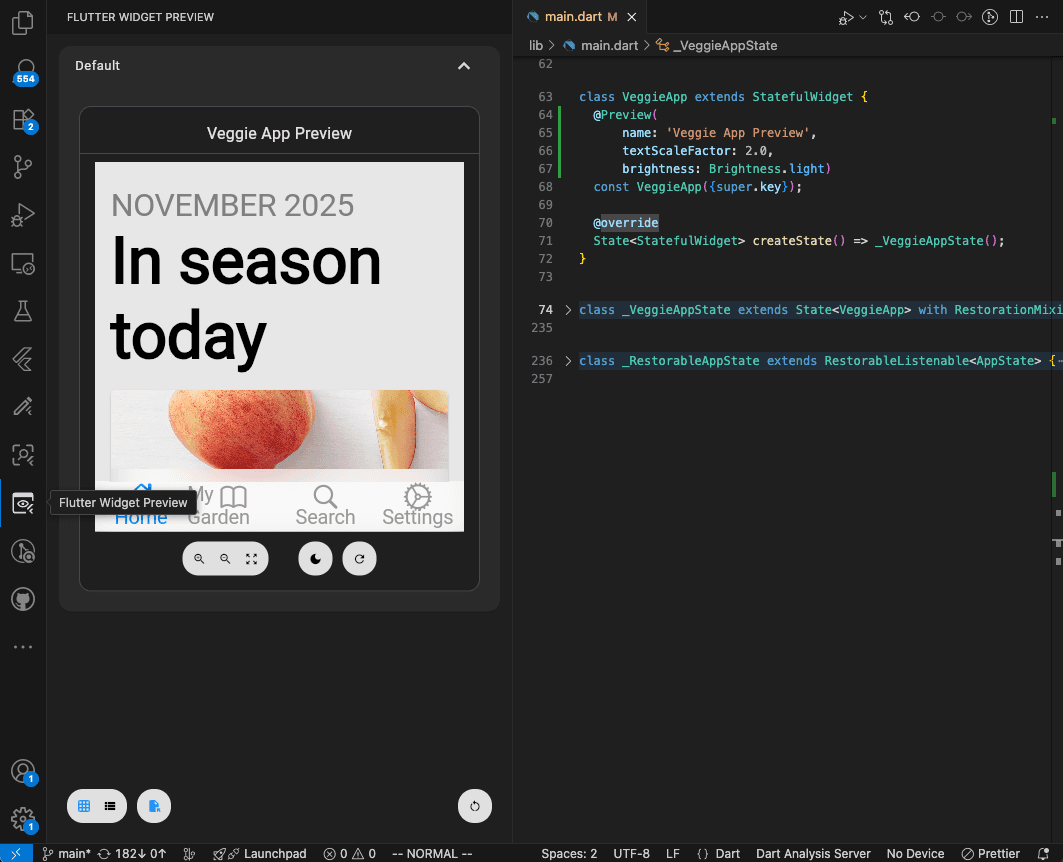
Flutter Widget Previews: Build Your First UI Component Without Opening the Whole App
Learn Flutter Widget Previews with a simple reminder card, official screenshots, and practical exercises for checking layouts and larger text.